

Customizing MT4 Charts for Better Analysis
Customizing MT4 Charts for Better Analysis
"Learn how to customize MT4 charts to improve your trading analysis. Discover tips on colors, timeframes, templates, and indicators to make MetaTrader 4 charts more effective and visually clear."
Wikilix Team
Educational Content Team
11 min
Reading time
Intermediate
Difficulty
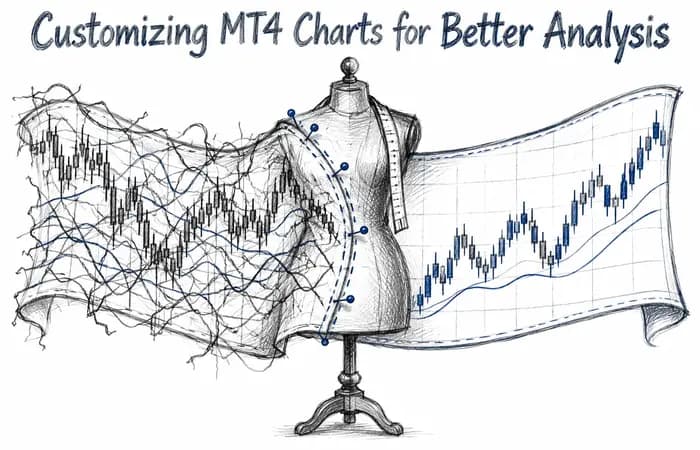
When you first start MetaTrader 4 (MT4), the charts have a very basic appearance; green bars on a black screen. While there is nothing wrong with that layout, many traders prefer to enhance the visual experience for both analysis and comfort. After all, you are going to be looking at the screens for hours at a time, so why not have something clear and custom to your trading style?
Customizing charts on MT4 isn't just for appearances; it's efficiency. A clear, organized chart can enable you to find trends sooner, as well as reduce distractions. There are some practical ways of customizing and visualizing charts on MT4, that will allow you to improve your analysis.
Change Colors and Styles
The default MT4 chart isn't necessarily the most aesthetically appealing. With that said, you can choose the background, grid, and candle colors to suit your taste.
If you right click on the chart and select Properties, you will see customization options for every detail. Many traders tend to change the background to white, and candles to black, for clarification and readability. Other traders prefer dark backgrounds but simply use changes in color to create a better range of bullish and bearish moves for visual identification in regards to trend.
The point here is not how fancy it looks or even how much fun it might be. The most important factor is that it is easily readable. Choose colors that contrast and expand the clarity of patterns you engage with, but are also easy on the eyes.

Pick Chart Types
In MT4, you have three chart types - bar charts, candlestick charts and line charts. Most traders tend to use candlestick charts as they provide for the best single visual for open, close, high and low values all in one shape.
Lines charts can be less cluttered; where one might use a line chart if they are merely trying to look at overall direction without noise. If you are simply trying to identify major direction in regards to a trend, using a line chart and sometimes candle chart would allow for merely a clearer visual.The selection varies according to your style, but candlestick charts are typically the preferred format for detailed analysis.
Adding and Changing Timeframes
Another important feature is the ability to change timeframes. On MT4, you can view charts from one minute to one month. Day traders often use 1M, 5M, or 15M charts, while swing traders may use 4H or daily.
You can quickly change timeframes by selecting the toolbar on the top of the MT4 platform. It is a good idea to take in the same market across different timeframes. For example, the 15-minute chart might show a short-term downtrend, while the daily could be an overall uptrend. This larger viewpoint will help you avoid making an entry decision based on a narrow time frame.
Adding Indicators and Tools
A chart absent of any analysis tools is just a price chart with no value. On MT4, you can easily add indicators, such as moving averages, RSI, and Bollinger Bands, directly onto your chart. You can also draw in support and resistance lines, channels, or Fibonacci retracement.
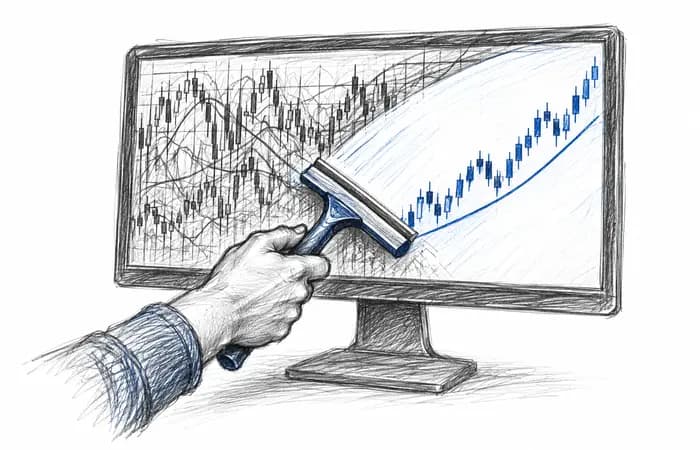
The trick is to not clutter your screen with too many tools. Focus on two or three that truly do help or inform your decision making. For example, you could focus only on moving averages for trend direction, in conjunction with RSI for momentum. This provides you with a sensible balance approach with reduced distraction.
Using Templates and Profiles
Once you have a chart with demographics to your specifications with the right colors, indicators, and analysis, you do not want to do this for every session. You will want to set up a template and a profile.Templates preserve your chart configuration (colors, indicators, and styles) so you may use the same format for any new chart instantly.
Profiles preserve the entire chart configuration across multiple markets. So, for example, you could have a “Forex profile” and a “Commodities profile” to switch between settings quickly.
This saves you time and keeps your work space neat and organized.
A Quick Example
Maybe you’re looking at EUR/USD, you created a blank chart with a white background and candlesticks, you added a 50 period moving average for trend and an RSI for momentum, then saved that as a template called “Trend Setup”.
Next, you open GBP/USD, rather than rebuild this chart, you simply add your “trend template” in one click and now all your charts are consistent and easy to compare between markets.
Table: Customization Options at a Glance
Feature | Why It Helps | Example Use |
|---|---|---|
Colors & Styles | Improves readability | White background, red/green candles |
Chart Type | Matches your analysis style | Candlesticks for detail, line for simplicity |
Timeframes | Gives multiple perspectives | 15M for entries, Daily for overall trend |
Templates/Profiles | Saves time and ensures consistency | Apply same setup to different pairs |
Don’t Overthink it
The temptation is strong to add every possible tool and color setting, but don’t — too much set up takes away from the analysis of the chart. The purpose of a chart set up is aimed at clarity and not decoration. The takeaway is that your chart should tell you the story at a glance, and not keep you squinting through a mess.
As you spend time in the market, you get more comfortable with preferences and changes. What’s most important is that your chart complements your strategy and allows you to act with confidence.
Final thoughts
Customizing charts in MT4 is customizing your workspace to make sense. Colors, timeframes, shapes, templates, and indicators; all adjustments should be for the same reason, to make it easier to analyze.
Start with elementary changes, test them, and make adjustments as you trade more. Your proper chart set-up can put hours of confusion into quick moments of clarity.
If you would like more step-by-step guides for optimizations on MT4 or helping you build trader skills, check out the Learn section on Wikilix where there are multiple resources for trader like yourself to help build consistency and confidence.
Frequently asked questions
Answers to the questions readers ask most about this lesson.
Comments & Reviews
0 entries
Nothing on the record yet
Be the first to share what happened.
What's Next?
Keep building your knowledge with our structured learning path. Each section builds upon the previous one.