
TradingView and MetaTrader 4 solve overlapping but different problems. TradingView is a browser-based charting and analysis platform that has added broker-connected trading on top; MT4 is a broker-distributed trading terminal that has charting built in. The practical question for most forex and CFD traders is whether TradingView can replace MT4 outright, and the honest answer depends on one thing: your broker.
TradingView vs MT4: What Is the Main Difference?
TradingView started as a charting and social analysis platform. Its core product is the chart — hundreds of drawing tools, thousands of community indicators, and data across forex, stocks, futures, crypto and indices in a single interface that runs in a browser, on desktop and on mobile without a broker install. Trading is a layer bolted on through broker integrations.
MT4 is the opposite. It is a trading terminal that MetaQuotes licenses to brokers, and the broker distributes it with its own server behind it. Charting is functional rather than advanced — the official platform page lists 9 timeframes, 30 built-in technical indicators and 23 analytical objects — but the terminal is wired directly into the broker's execution and account systems, and it runs Expert Advisors that place real orders without you at the keyboard.
So: TradingView is analysis-first with optional execution. MT4 is execution-first with adequate analysis.
Can You Trade Directly from TradingView?
Yes — if your broker is one of the integrated ones. TradingView states it partners with 100+ verified brokers and is explicit that it is not a broker itself: it makes money from subscriptions and ads, and it does not hold your funds or execute your orders. Your broker does both. TradingView is the front end.
Once connected, the trading panel is a genuine order terminal, not a demo. You can place market and pending orders from the chart, attach brackets for stop loss and take profit, drag an existing order or stop to a new price, preview where a pending order will sit before committing, and watch balance and open positions update in the same window. Order tickets and on-chart orders stay synchronised, so moving a stop on the chart moves it on the broker's server.
Two caveats matter. First, availability is per broker: if yours is not on the list, no amount of subscription buys you execution. Second, even with a supported broker, the instruments, regions and account types offered through the TradingView connection may be narrower than what the same broker gives you in its own platform. Check the specific account, not just the broker name.
How to Trade from TradingView
The process is short:
Open the Trading Panel at the bottom of any TradingView chart and look through the broker list for yours.
Select it and log in with your broker credentials. TradingView stores those credentials locally in your browser rather than on its servers.
Open a chart for an instrument your broker offers on that account.
Place the order from the panel or straight from the chart, setting size, order type and brackets.
Manage the position by dragging the entry, stop or target on the chart, or from the Positions and Orders tabs.
You can connect more than one broker and switch between them, which is useful if you trade forex with one firm and equities with another.
Which Brokers Support TradingView?
The authoritative list is the broker list inside the Trading Panel itself, and the same list on TradingView's trading page. Do not rely on a third-party roundup: integrations are added and removed, and marketing pages go stale.
When you check, verify three things beyond the broker's name. Region — a broker may run several regulated entities, and the integration may only cover one of them, so the entity that holds your account is what counts. Account type — demo, standard, ECN and swap-free accounts are not always all supported. Instruments — a broker with 1,500 CFDs in its own terminal may expose only its forex and index book through TradingView.
TradingView vs MT4 for Forex Trading
For spot forex specifically, MT4 still has the wider footprint. Almost every retail forex and CFD broker offers MT4; a minority offer a TradingView integration. If you already have a live account, the odds are it works with MT4 and may not work with TradingView.
On order handling, MT4 gives you 2 market orders, 4 pending order types, 2 stop orders and trailing stops, with three execution modes — a compact but complete set that covers how most retail forex traders actually work. TradingView's order ticket is comparable in substance, and better in ergonomics: dragging a bracket on a chart you can actually read is faster than editing a modal dialog.
On charting, there is no contest. TradingView's tools, multi-chart layouts, saved templates and alerting are years ahead of MT4's, and they work identically on a phone. For a forex trader whose edge lives in the chart, that is the whole argument.
TradingView vs MT4: Key Features Compared
Feature | TradingView | MT4 |
|---|---|---|
Primary role | Charting and analysis, with broker-connected trading | Broker trading terminal with built-in charting |
Access | Browser, desktop app, mobile — no broker install | Desktop, web and mobile builds distributed by your broker |
Broker availability | 100+ integrated brokers | Offered by the large majority of retail forex/CFD brokers |
Timeframes | Custom and non-standard intervals, including seconds and ranges | 9 standard timeframes |
Built-in indicators | 100+ built-in, plus a large community library | 30 built-in, plus Code Base and Market downloads |
Drawing tools | Extensive, with templates and sync across devices | 23 analytical objects |
Scripting language | Pine Script | MQL4 |
Real automated execution | No — Pine strategies use a broker emulator | Yes — Expert Advisors trade live |
Backtesting | Strategy Tester with historical bar data, subject to plan limits | Strategy Tester with optimisation |
Cost | Free tier; paid plans for more charts, alerts and data | Free from the broker |
Asset coverage | Forex, stocks, futures, crypto, indices in one place | Whatever your broker lists on its server |
TradingView vs MT4 for Technical Analysis
If technical analysis is the job, TradingView is the better tool by a clear margin. It supports custom and non-standard intervals rather than a fixed set of nine, multi-chart layouts you can save and reload, drawing tools that snap and persist across devices, and a public library of community indicators that dwarfs what ships with MT4. Alerts can be attached to drawings and indicator conditions, not just price levels.
MT4's analytical kit — 30 indicators, 23 objects, 9 timeframes — is enough to trade a simple system and not much more. Its charts are single-instance, its object handling is fiddly, and its mobile charting is basic. Traders who need more typically bolt on third-party indicators, which works but leaves you maintaining a pile of compiled files.
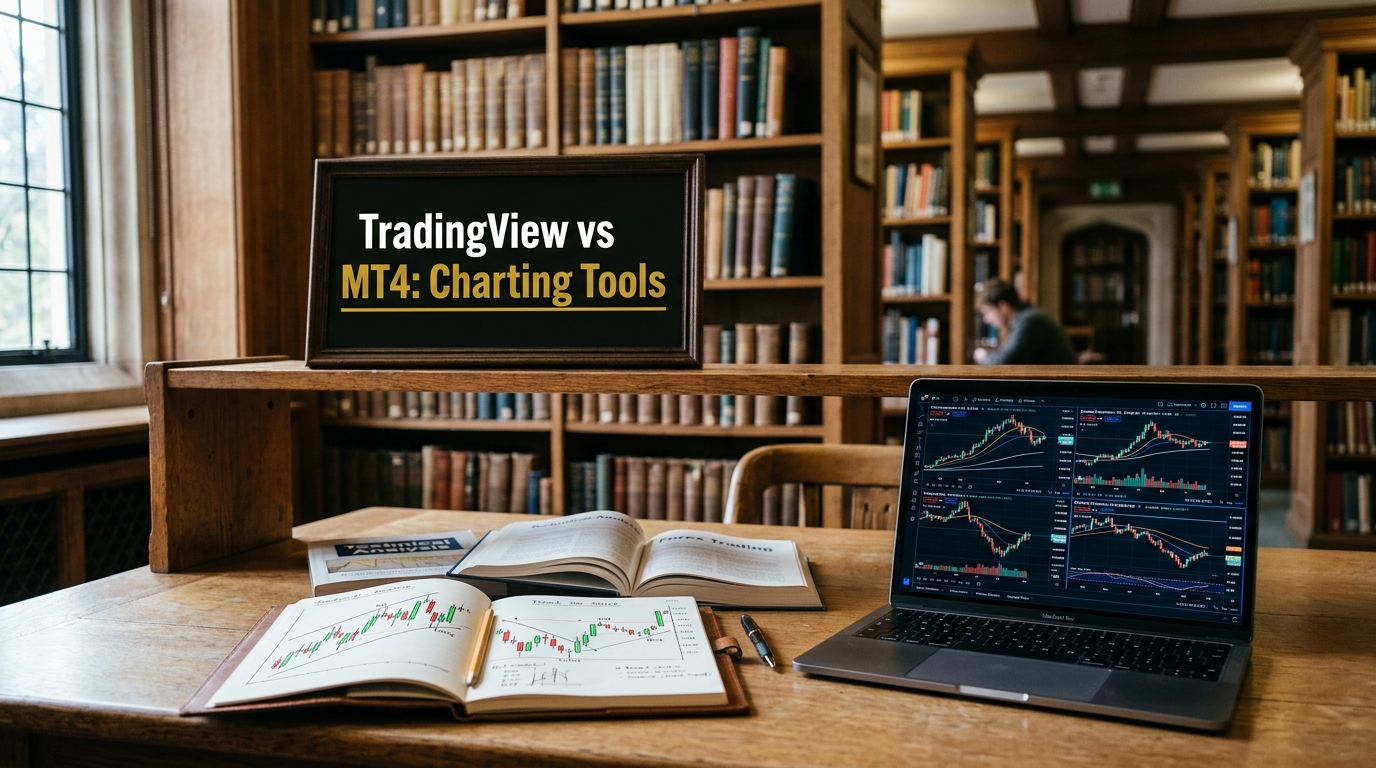
The practical difference shows up in workflow rather than capability. Both platforms can draw a trendline. Only one lets you keep forty instruments in synced layouts, annotate them, and pick up the same annotations on a phone an hour later.
TradingView vs MT4 for Automated Trading
This is where MT4 wins outright, and the distinction is often misunderstood.
MT4's Expert Advisors are programs written in MQL4 — a C++-derived language — that run inside the terminal and place real orders on the broker's server. An EA can analyse and trade any symbol or period whether or not that chart is open. MetaQuotes ships the MQL4 IDE with the platform: MetaEditor for writing and compiling, and a Strategy Tester for backtesting and optimising. You can also download free EAs from the Code Base, buy or rent them from the Market, or commission one through Freelance.
Pine Script does not do this. TradingView's own documentation is unambiguous: a Pine strategy runs against a broker emulator that simulates fills from the chart's OHLC data and makes assumptions about intrabar movement. It produces a performance report, not trades. The documentation also notes real limits on that testing — individual trade data is retained for the latest 9,000 trades by default unless you use Deep Backtesting, and high historical bar detail requires a Premium or Ultimate plan and tops out at 200,000 lower-timeframe bars.
Automation from TradingView is therefore indirect: an alert fires a webhook, and something outside TradingView — a third-party bridge or your own service — turns that into a broker order. That works, and plenty of people run it, but it adds a component that can fail silently between your signal and your money. An EA has no such gap.
TradingView vs MT4: Which Is Better for Beginners?
TradingView, for most people. It runs in a browser with no install, the interface follows modern conventions, chart setup is drag-and-drop, and placing an order means clicking a price on a chart and confirming. Nothing about it assumes you have used trading software before.
MT4's interface dates from 2005 and shows it. New traders regularly get stuck on lot sizing in the order dialog, on the difference between the Market Watch and Navigator panes, and on why an indicator they downloaded does not appear until the terminal is restarted. It is learnable in an afternoon, but it is a learning curve where TradingView mostly is not.
The counterweight: a beginner whose broker only offers MT4 should learn MT4. Platform comfort is worth less than having an account you can actually trade.
Which Platform Has Better Trading Execution?
Neither, in the sense most people mean. Execution quality — spread, slippage, fill speed, requotes, rejection rates — is a function of your broker's liquidity, pricing model and server infrastructure, not of the software drawing the chart. The same broker on the same account gives you materially the same fills through MT4 and through TradingView, because in both cases the broker's server is doing the filling.
What the platform genuinely affects is order management: how quickly you can size a position, how easily you can move a stop, whether you can see your exposure without leaving the chart, and how well the mobile version handles a position you need to close while away from your desk. On those, TradingView's chart-native controls are the more comfortable tool; MT4 is faster for one-key operations once you have memorised them.
If execution is your concern, compare brokers and account types. Comparing platforms will not answer the question.
Can You Use TradingView and MT4 Together?
Yes, and it is the most common setup among traders who want both. The pattern is simple: analysis, screening, alerting and journalling in TradingView; order entry and any automation in MT4. You mark up levels in TradingView, set an alert, and when it fires you place the order in your broker's MT4 terminal.
This makes sense when your broker has no TradingView integration but you refuse to give up TradingView's charts — which is the majority case in forex. It also makes sense when you run EAs, since those must live in MT4 regardless of where you do your analysis.
The friction is real: two platforms means two sets of open positions to reconcile mentally, and a level drawn in one is not visible in the other. Third-party bridges exist that mirror TradingView drawings or route TradingView alerts into MT4, but each one is another dependency to maintain and another place for a signal to get lost. Manual hand-off is less elegant and more reliable.
TradingView vs MT4: Pros and Cons
TradingView — strengths: best-in-class charting, custom intervals, huge community indicator library, cross-asset coverage in one account, browser and mobile parity, alerts tied to drawings and conditions, credentials stored locally rather than on TradingView's servers, and the ability to connect several brokers and switch between them.
TradingView — limitations: trading only through integrated brokers, and only the instruments and account types those brokers expose; no native automated execution, since Pine strategies only simulate; meaningful features and backtest depth sit behind paid plans; and you are dependent on the integration continuing to exist.
MT4 — strengths: available from nearly every retail forex and CFD broker, free with the account, genuine server-connected automation through Expert Advisors, a mature MQL4 ecosystem of robots and indicators, a Strategy Tester with optimisation, and low resource use on old hardware or a VPS.
MT4 — limitations: dated interface, weak charting relative to TradingView, 9 fixed timeframes, limited built-in indicators and objects, poor mobile charting, and no native coverage of assets your broker does not list.
TradingView or MT4: Which One Should You Choose?
Beginner trading forex: whichever your broker supports. If both, start with TradingView — the interface will cost you less time than MT4's will.
Advanced technical analysis: TradingView, without hesitation. Use MT4 only for execution if your broker requires it.
Algorithmic trading: MT4. Expert Advisors place real orders; Pine Script strategies do not. Choosing TradingView here means building and maintaining a webhook bridge, which is a different project from writing a strategy.
Broker compatibility is the constraint: check the Trading Panel broker list first, for your specific entity and account type. That single check settles the question more often than any feature comparison.
Trading across asset classes: TradingView, since forex, equities, futures and crypto sit in one workspace rather than one broker's symbol list.
Before committing, compare what your shortlisted brokers actually offer on each platform — spreads, instruments, account types and which platforms are available on the entity that would hold your account. You can work through that on our broker comparisons.